The agent step 1 of 6
slot.mdv1.md
The agent writes the prompt
It makes a slot for the picture it needs, with the prompt and the settings. You see the slot as a card.

Your agent
 Antigravity
 Claude Code
 Codex
Codex Cursor
 Gemini CLI
 GitHub Copilot
 OpenCode
Asset Prompter is a small local app that carries prompts and results between your coding agent and the image or video generator you use by hand.
Install Asset Prompter for me: follow https://github.com/Djordje1998/asset-prompter/blob/master/AGENT-INSTALL.md
Your generator
 Google Flow
 Leonardo.Ai
 Luma AI
 Midjourney
Logos and names belong to their owners. Asset Prompter is an independent project, not affiliated with or endorsed by any of them.
The agent's steps are violet, yours are mustard. Steps 4 and 5 are optional: approve after step 3 and the picture is done.
The agent step 1 of 6
slot.mdv1.md
It makes a slot for the picture it needs, with the prompt and the settings. You see the slot as a card.
You step 2 of 6
Press Copy prompt, paste it into Google Flow or any other generator, and press Generate there.

You step 3 of 6
v1/1.png
Drop it on the card or press Ctrl+V. If it is already right, approve it now and skip to step 6.

You step 4 of 6
OptionalPress Notify agent. The agent opens your picture and checks it against what it asked for.
You or the agent step 5 of 6
Optionalv1.feedback.mdv2.md
Type what should change, or the agent says what is off. It writes the next prompt, and you generate again.

You step 6 of 6
APPROVEDfinal.png
One click makes the picture final. The agent is told the picture it asked for is ready, and which file to use.

Only the far end changes. A provider's servers generate there, or you do.
MCP serverwhen the generator has one
Youwhen it doesn't

Product names belong to their owners. Asset Prompter is an independent project, not affiliated with or endorsed by any of them. Plans and APIs as checked on 2 October 2026.
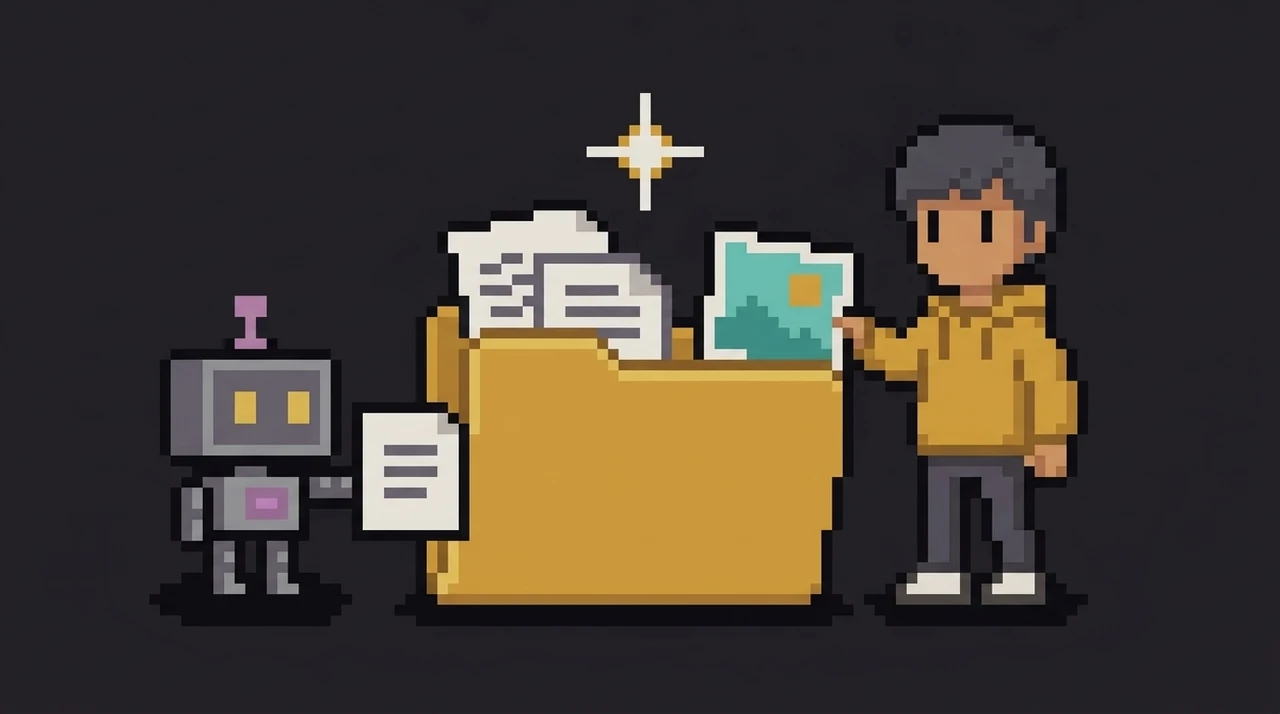
Your agent knows which pictures it needs, but they come from a generator you use by hand. So the carrying falls to you.
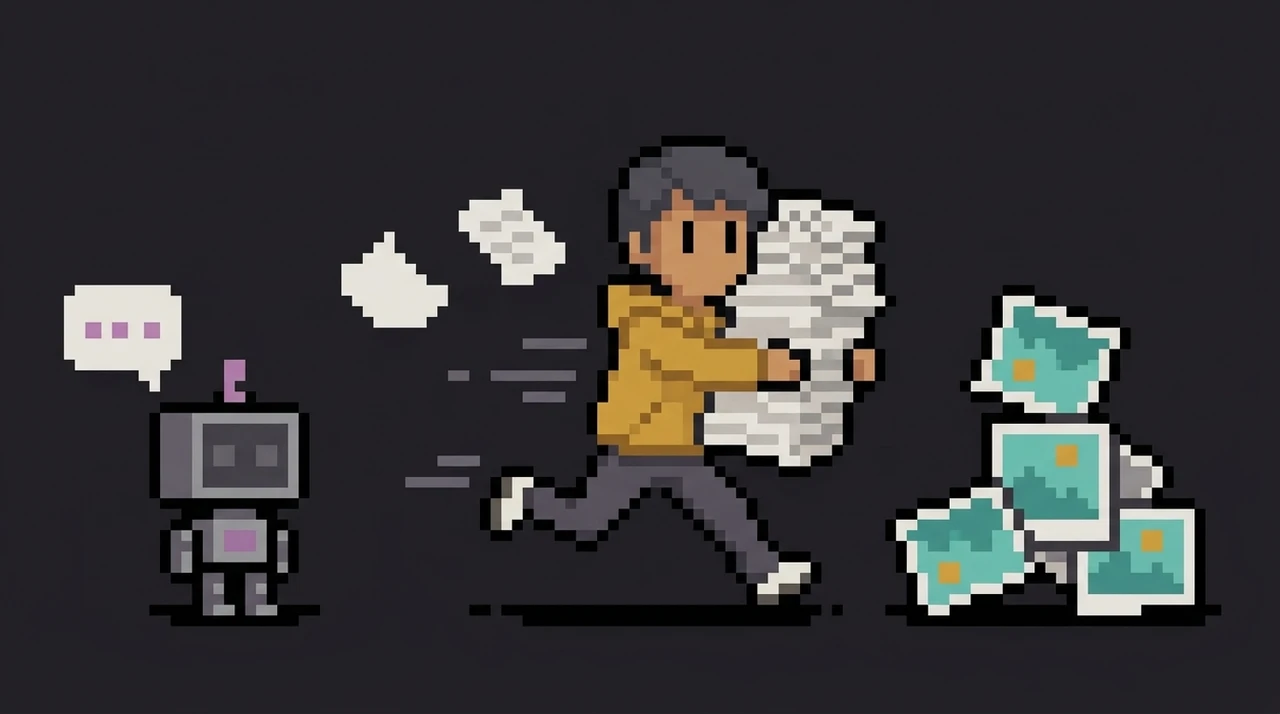
Everything you generate lands where the agent can look.
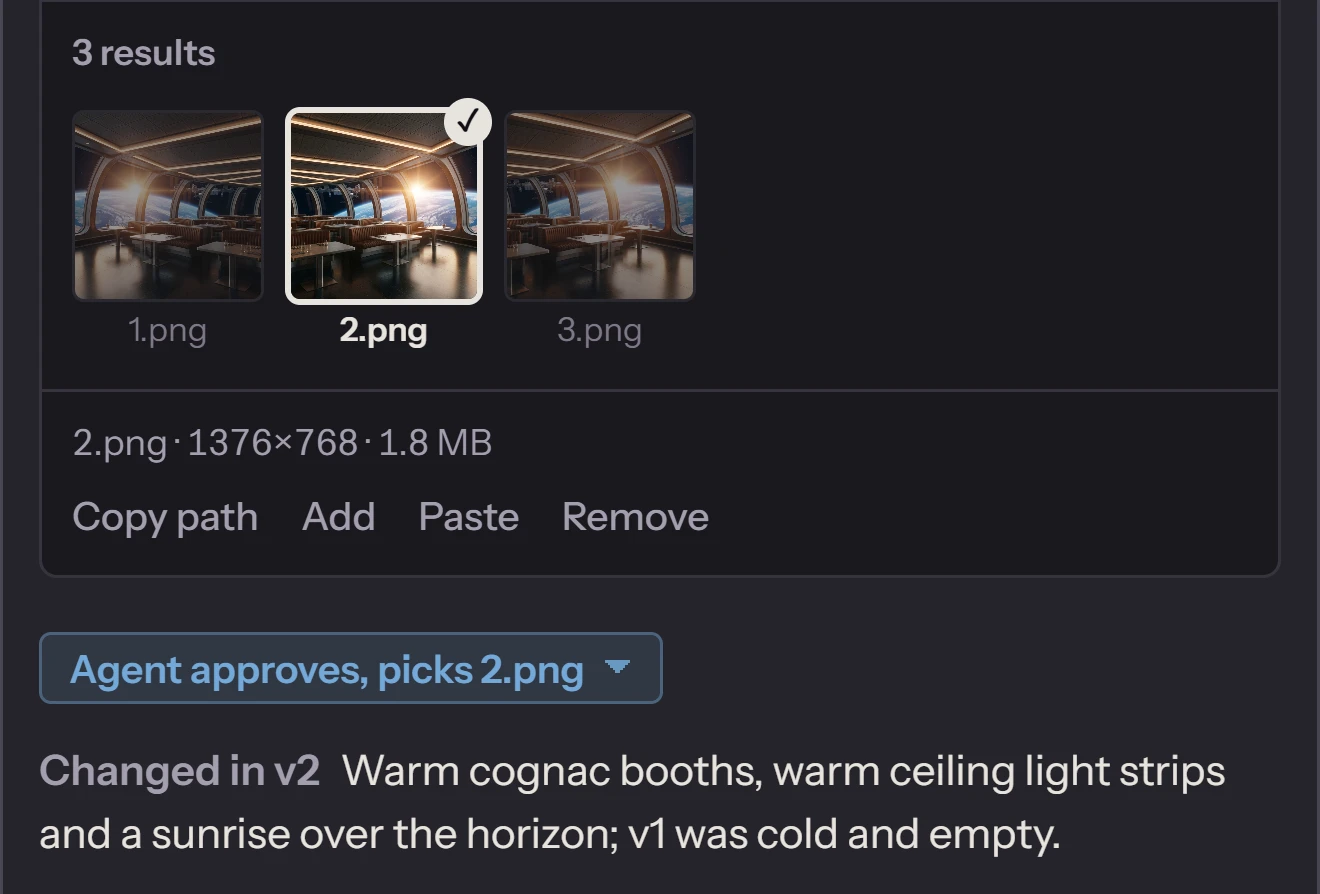
A new version never replaces an old one. Every result, your change request and its own review stay in the slot folder, where it can read them.
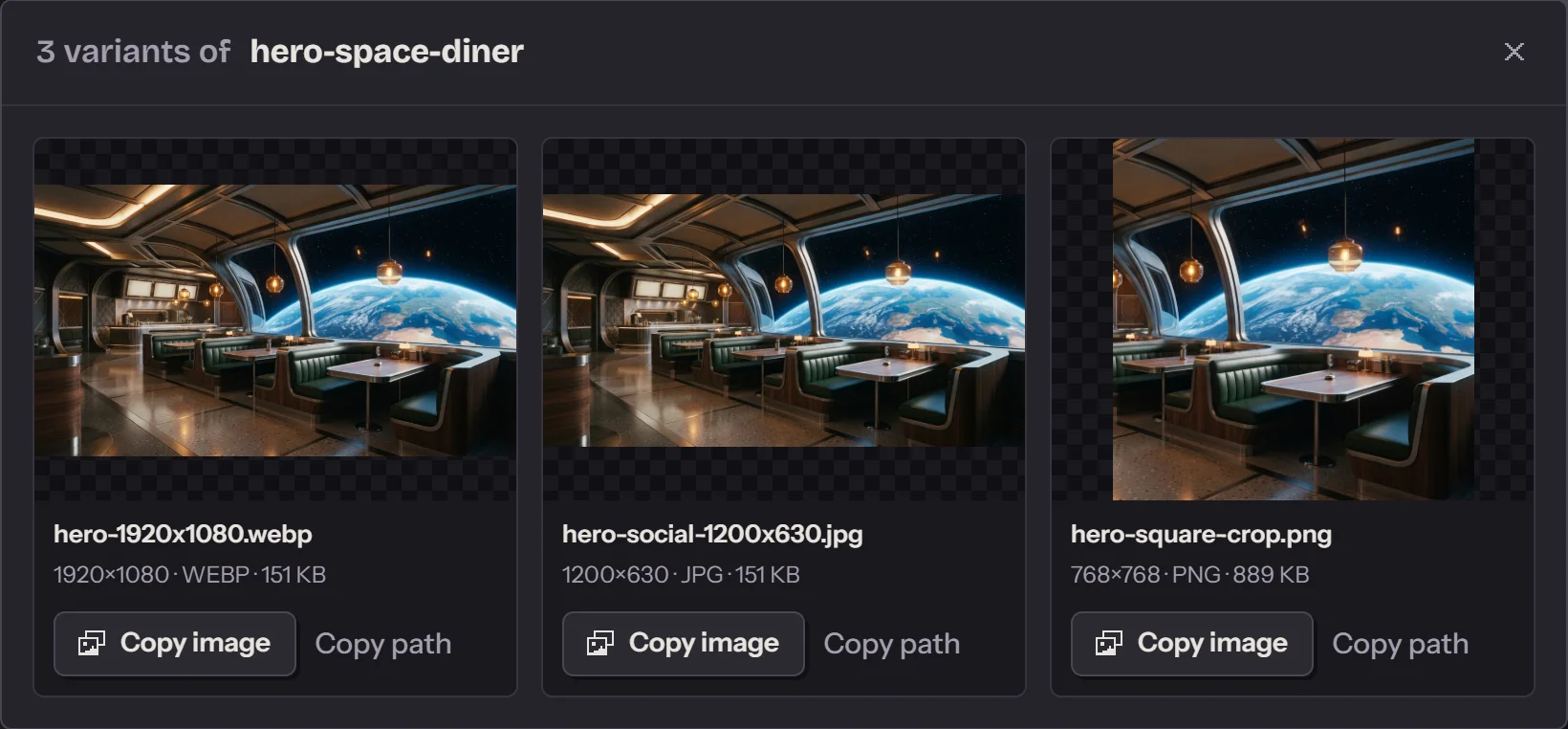
Crops, other sizes, other formats and small edits, made from the file you approved. No new generation.
They stay in one place beside the final picture. In the app you open them from its tile and copy any of them with one click.
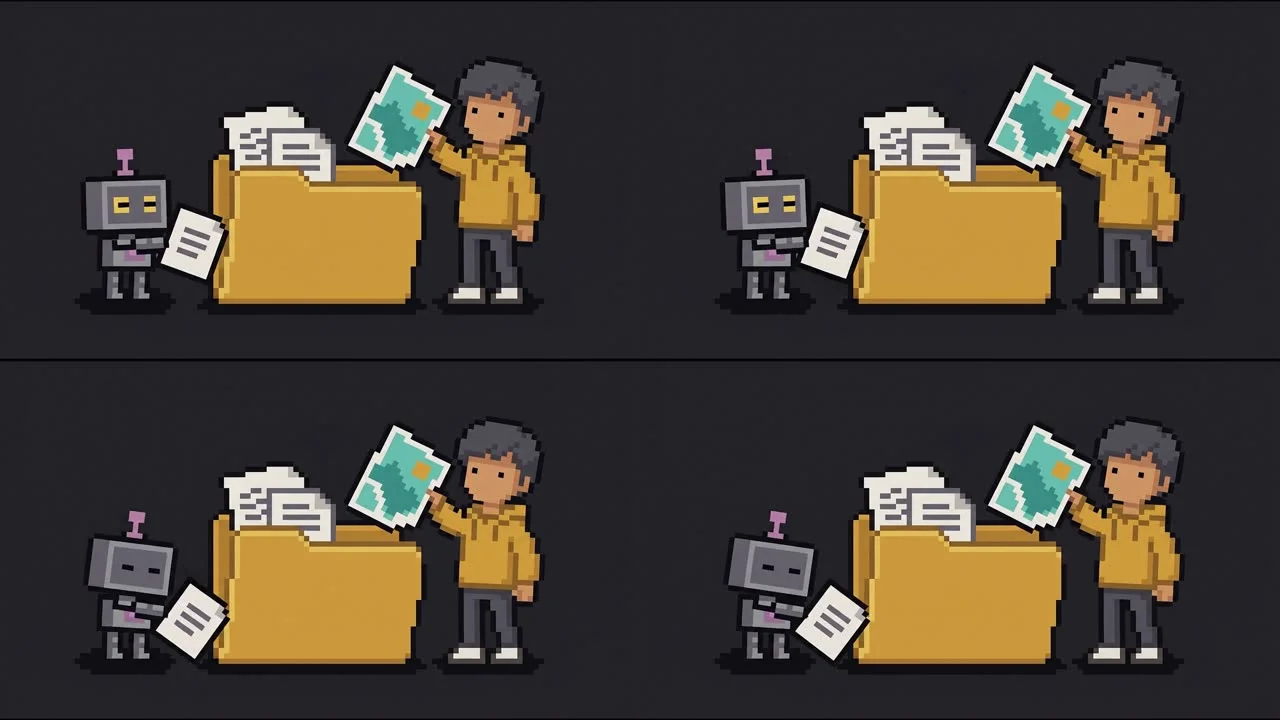
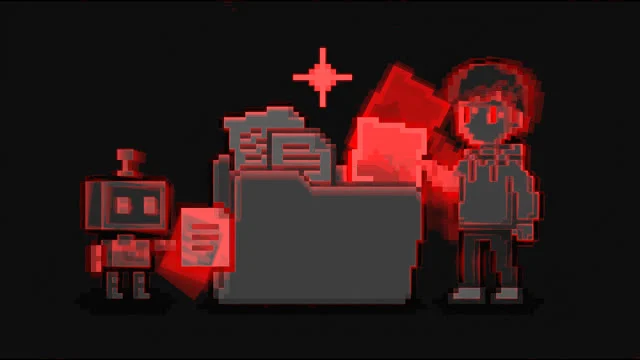
An agent can't watch video. So the app turns every clip you drop into pictures and numbers it can read.
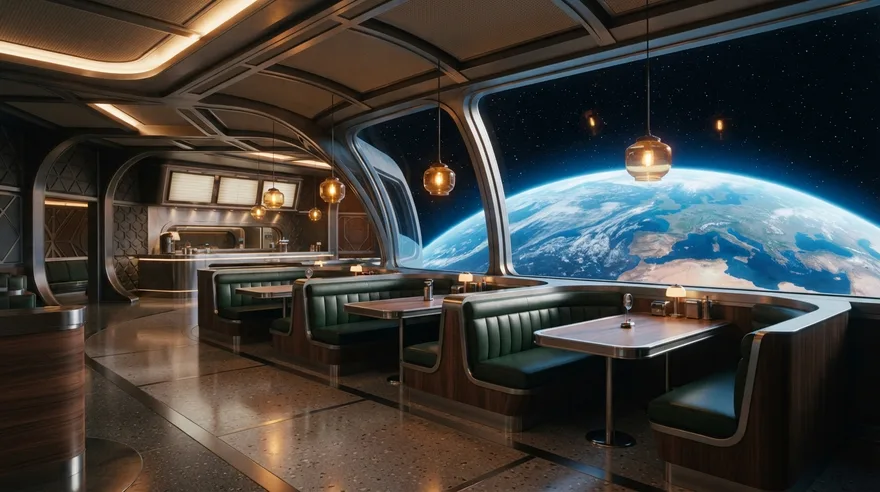
Hero banners, section photos, backgrounds. The agent knows where each one goes and what it has to do there, and writes that into the slot.

Approve a master image first, and later slots take it as their reference. A slot that depends on another waits until that one is approved.
A video slot can take an approved image as its start frame. The agent then checks the motion second by second, and whether the clip loops.


Icons, empty states, illustrations. Once you approve one, the agent exports the sizes and formats it needs from that file.
You press Generate in your own tool, every time. For batches that run while you are away, pick a generator with an API or an MCP server.
Either way, you need nothing installed beforehand.
Your agent does it
Give it to a coding agent that can run commands, such as Claude Code.
Install Asset Prompter for me: follow https://github.com/Djordje1998/asset-prompter/blob/master/AGENT-INSTALL.md
You do it
Get the ZIP and unzip it anywhere, or clone the repository.
Download ZIP
On Windows, double-click setup.bat. On Linux, run sh setup.sh in the folder. Setup installs
Bun, ffmpeg and the app's packages, adds an Asset Prompter icon and opens the app.
Then, in the app: open a project, press Copy agent instructions and paste it into a chat with your agent. A two-minute tutorial opens on the first start.
Any agent that can read and write files in the project folder and follow a written guide. The app writes that guide, HOW-TO-USE.md, into every project. If the agent can also run a command in the background and is woken when it ends, Notify agent wakes it. If not, you tell it "done" in the chat.
Any tool you can paste a prompt into and get a file out of. A preset tells the agent which models, aspect ratios and durations a tool offers, and the app warns you when a result doesn't match. A preset for Google Flow is included; it is a short text file you can copy and edit for another tool.
Maybe not. Several generators now offer an official MCP server that lets an agent generate on your plan, among them Higgsfield, Ideogram, Krea and Runway. Asset Prompter still helps there if you want to choose and approve every result yourself and keep each version in the folder, or if you use features the tool keeps to its own app.
No. New slot lets you write prompts yourself. You still get versions, results side by side and a shelf of approved files.
The app listens on 127.0.0.1 only, has no account, and keeps everything in your project folder. Two things do go out: the interface loads its fonts from Google Fonts, and whatever you paste into your generator goes to that generator.
Nothing. You pay for your generator and your agent, as you do now.
Yes. Remove the approval in Details to reopen the slot, or clone the slot to try another direction and keep the original.
Download the folder, run setup, paste one message.